Example screen · enlarge

01 — THE NUMBER

Your diabetes.
The whole picture.

Glucose, insulin, food and health. See how it all fits together.

6.3 → mmol/L

02 — IT COMES TOGETHER

More than a number.

As the pieces come together, a clearer picture appears.

Glucose · Insulin · Food · Activity · Sleep · Health

All in one place. Health history stored on your device.

03 — TODAY

Today.

Your reading, its freshness, and the day around it.
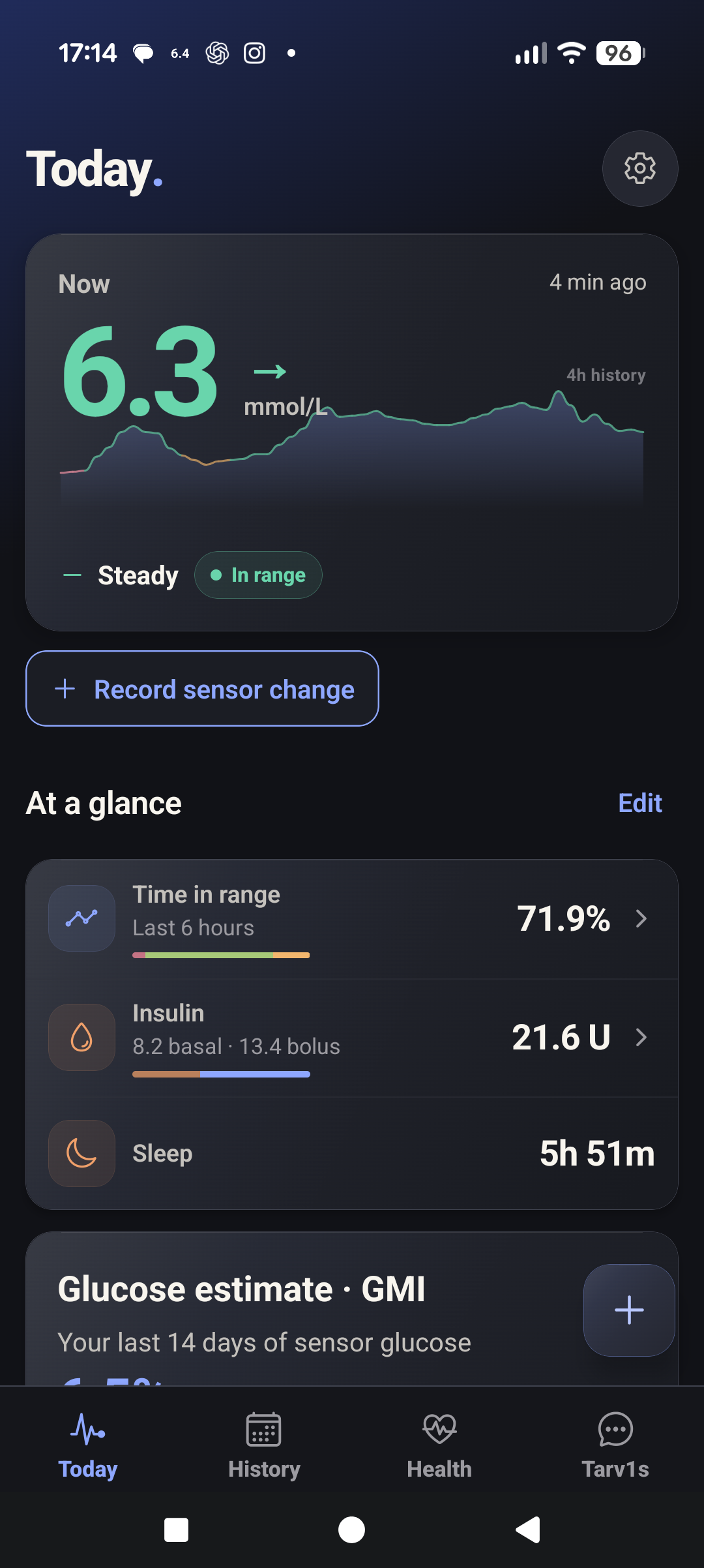
T1 Arc Today: 6.3 mmol/L, steady, updated four minutes before capture, with a continuous four-hour glucose graph, time in range, insulin and sleep below.
Example Today screen.

A reading with context.

The number, the trend and when it last updated.

The day around it.

Insulin, sleep and more, right there with your glucose. Imported records can arrive later than current glucose.

04 — HISTORY

Your history.
Actually useful.

Look back, find patterns and keep the surrounding records in view.
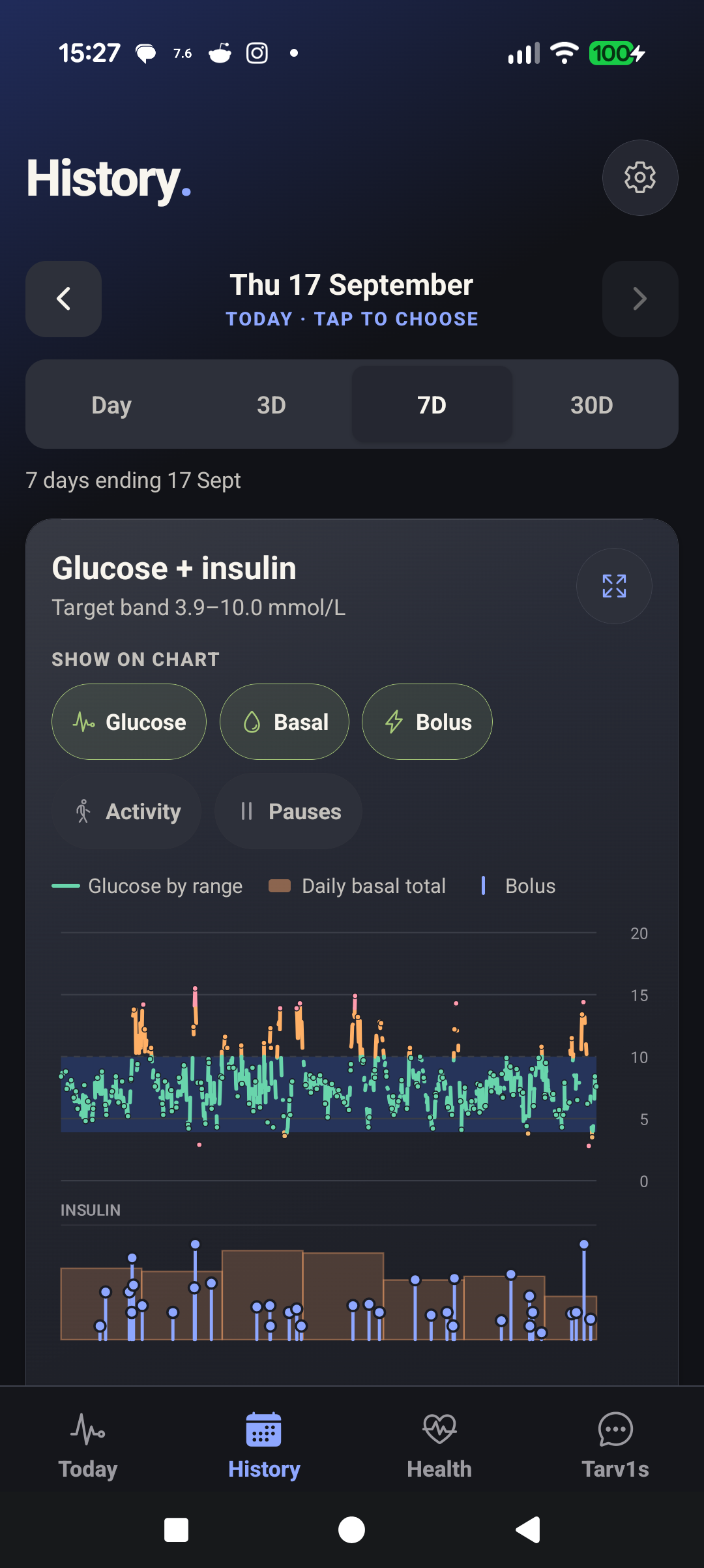
Real seven-day History view showing glucose, daily basal totals and bolus records together.
Example History screen.

Choose your perspective.

A day, three days, a week or a month.

Put the records together.

Glucose and imported insulin on the same timeline. Imports can arrive later.

05 — HEALTH

Your health.
More than glucose.

Sleep, heart rate and activity. More of your day, in one place.
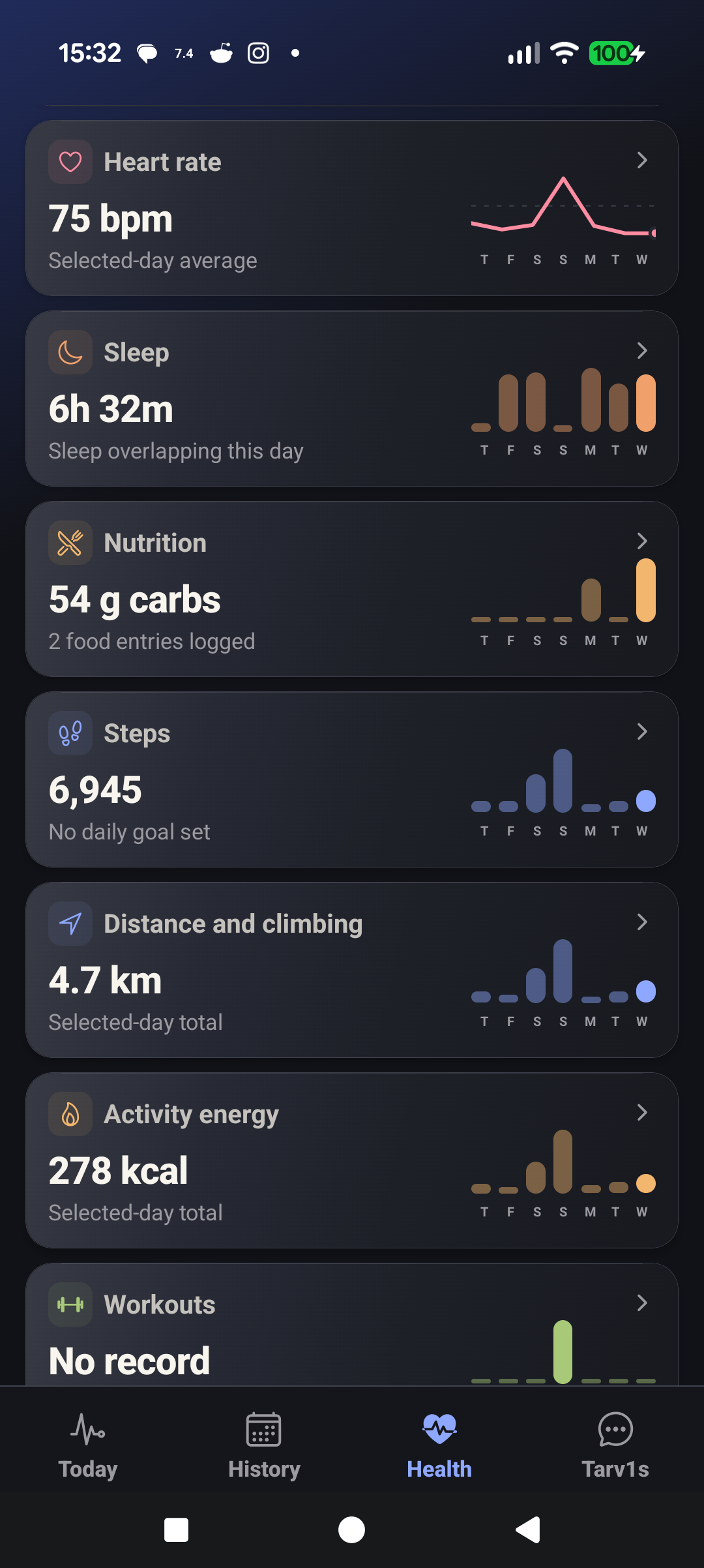
Health records showing heart rate, sleep, nutrition, steps, distance and activity energy.
Example Health screen.

More of your day.

Sleep and heart rate from the records you connect.

Movement has a place.

Steps, distance and activity, alongside your other health records.

06 — FOOD

Food.
In context.

Keep the meal. Choose the portion. See the records.
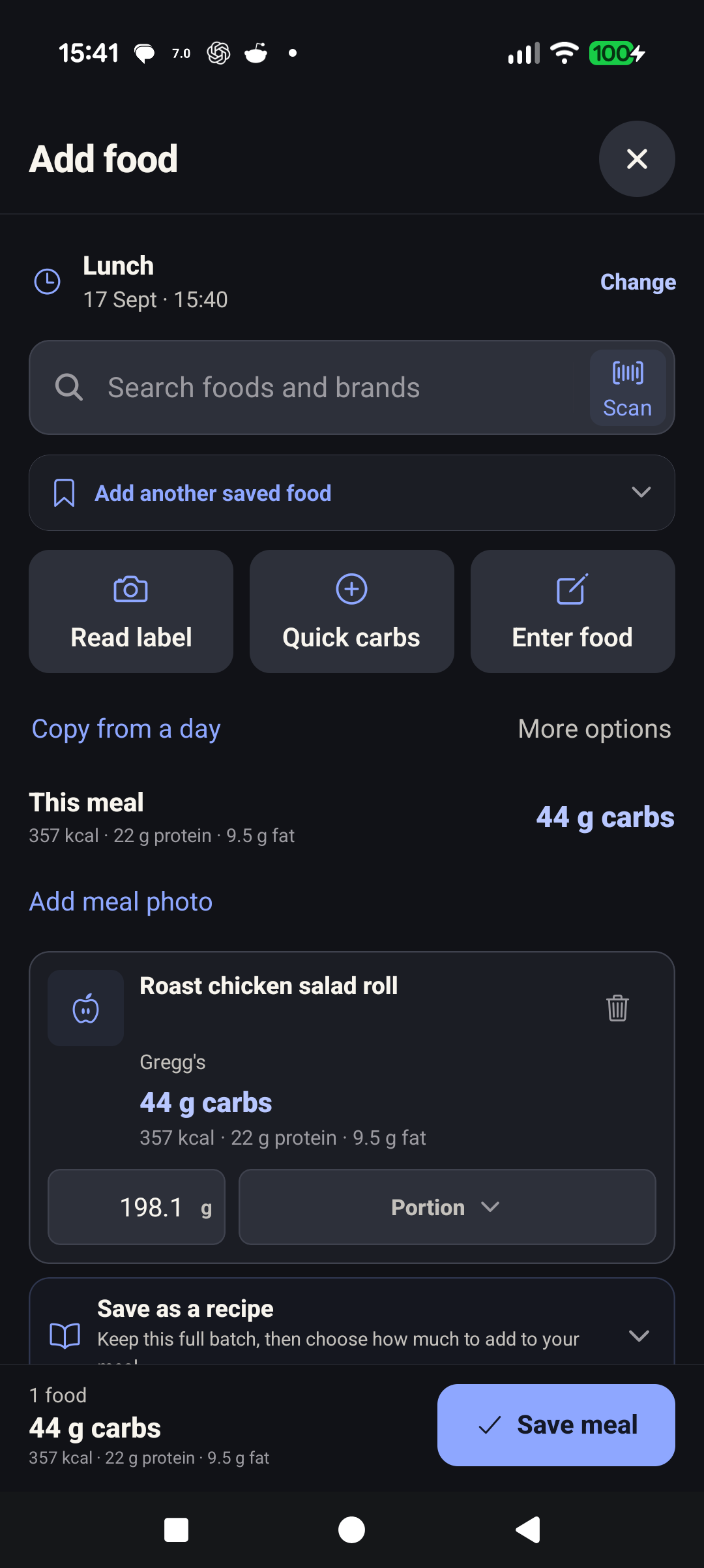
Add food screen with barcode scanning, label reading, saved food and portion controls for an unsaved lunch draft.
Example saved food and portion.

Start with what is easiest.

Scan a barcode, read a label or choose a saved food.

Make the portion yours.

Check the amount and nutrition before saving. Label reading proposes values for you to review.

07 — TARV1S

Questions.
Meet your data.

Ask about the records you keep. See what supports the answer.
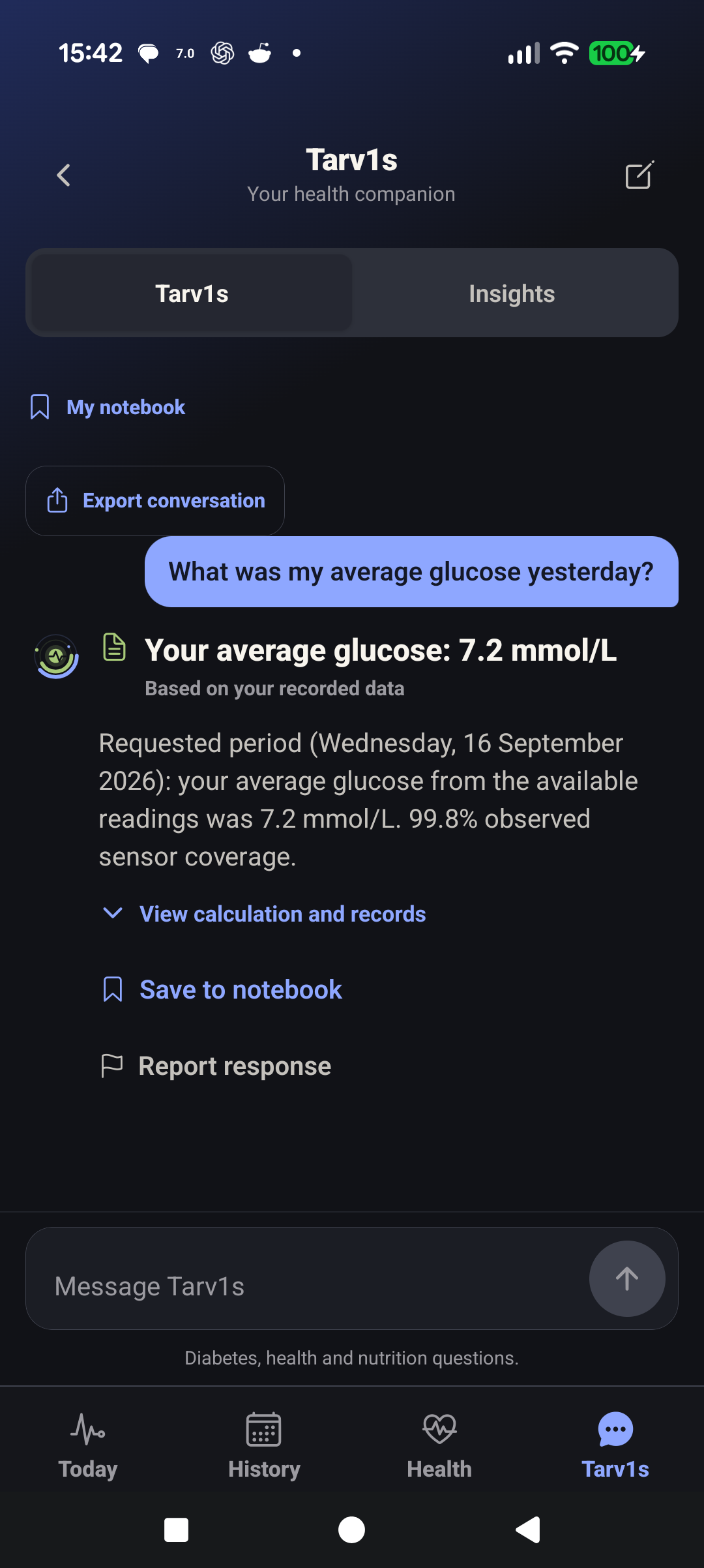
Saved Tarv1s answer: average glucose 7.2 mmol/L for 16 September, with 99.8% observed sensor coverage.
Example Tarv1s answer.

Ask about your records.

A saved answer with its dates and sensor coverage.
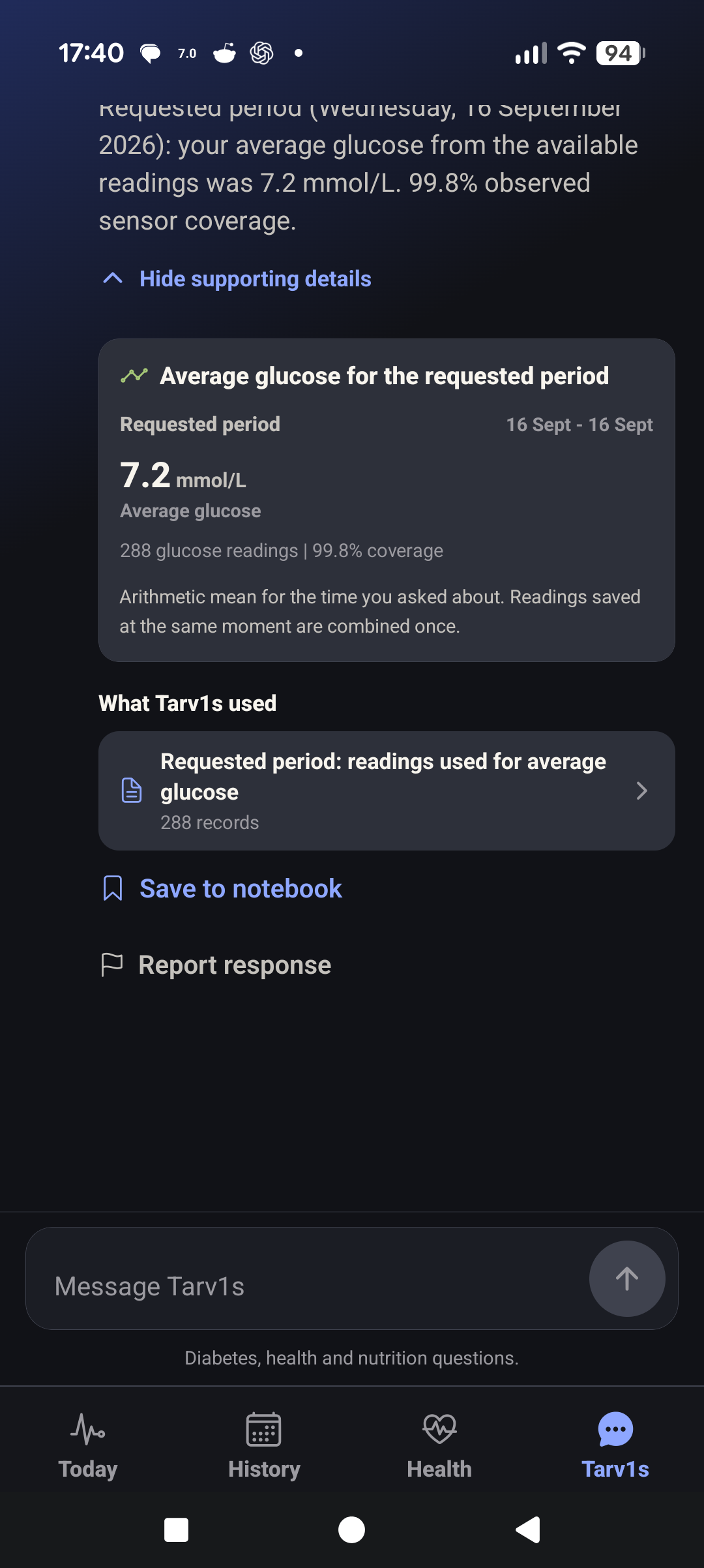
Expanded calculation and supporting records behind the saved average glucose answer.
The same answer, with its evidence expanded.

See what supports it.

Open the calculation, sources and limits. A saved answer does not refresh when more records arrive.
YOUR RECORDS. YOUR CHOICE.

Personal by nature.
Private by design.

Your health history lives on your phone, in an encrypted database. No T1 Arc account. No health-history upload to a T1 Arc server.

Read the privacy policy
01

Useful before you add AI.

T1 Arc is free. Charts, records and supported local Tarv1s answers work without an AI connection.

02

A little more help, if you want it.

For broader Tarv1s questions, use an eligible ChatGPT plan or your own OpenAI, Google Gemini or Anthropic Claude API key. ChatGPT models depend on your account. Your question and selected context go directly to your chosen provider when you tap Send.

T1 Arc adds no subscription or markup. API usage is billed by the selected API provider; ChatGPT plan use counts towards that plan's allowance.

How it works, costs and setup
03

Connections you control.

You choose your sources and Android permissions. Encrypted backups are yours to keep; passwords and API keys stay out of them.

A CLEARER PICTURE INCLUDES THE GAPS

Same place.
Different arrival times.

Import your insulin data from Glooko on a schedule.

T1 Arc shows the reading’s age and marks old values as delayed or stale.

Understand source timing

ON YOUR WRIST

Make it your glance.

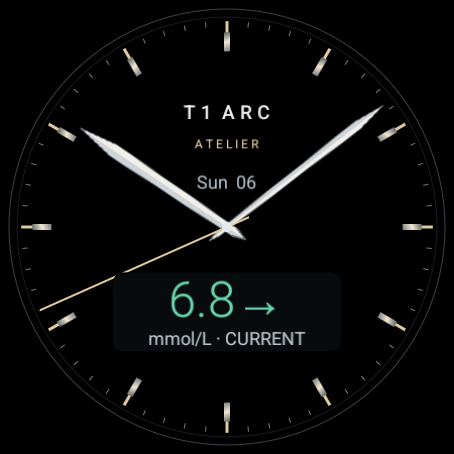
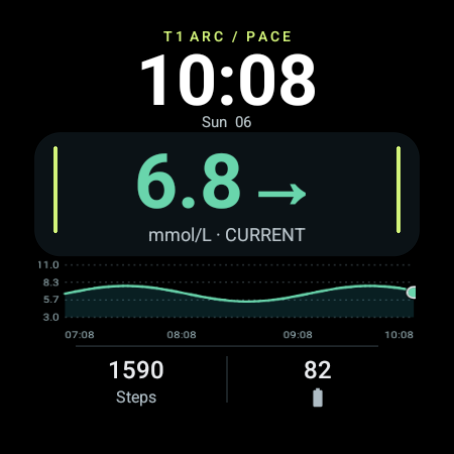
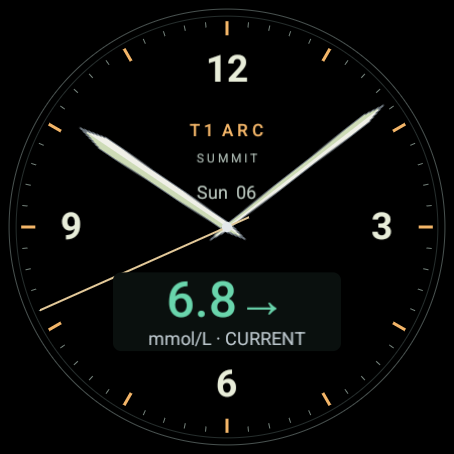
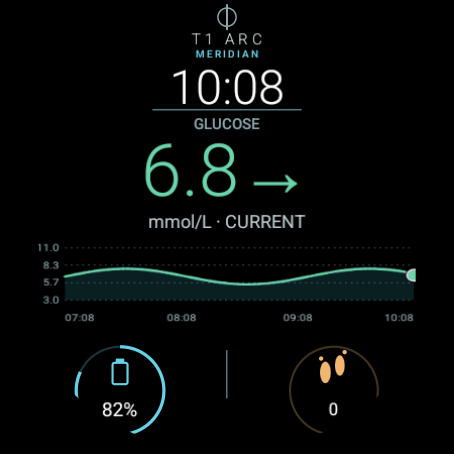
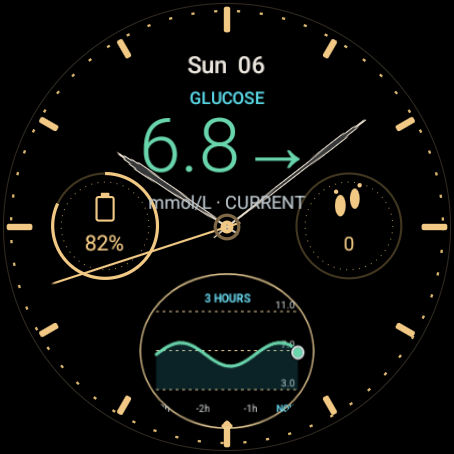
Five faces. Your glucose, trend and reading age.
The T1 Arc companion keeps them connected to your phone.

Meridian T1 Arc watch face with an example glucose reading.
Meridian
Chronograph T1 Arc watch face with an example glucose reading.
Chronograph
Atelier T1 Arc watch face with an example glucose reading.
Atelier
Pace T1 Arc watch face with an example glucose reading.
Pace
Summit T1 Arc watch face with an example glucose reading.
Summit

Set up from your phone.

Short guided steps pair the watch and install the bundled companion. On supported Wear OS 6 watches, choose a bundled face in the app.

Set up your watch

Companion: Wear OS 3 or newer.
Separate faces: Wear OS 4 or newer.
Wear OS 4–5 face installation needs a computer.
Older Tizen watches, fitness bands and Apple Watch are not supported.

A MOMENT INSIDE THE APP

See it come together.

A short, edited tour of the real app.

T1 Arc demo | AI narration: elevenlabs.ioMusic: Signal Drift, created with Suno. An edited demonstration, including the creator’s records, shared with permission.Captions Credits and media use

BUILT FROM LIVED EXPERIENCE

By someone
living with T1D.

“I’ve lived with Type 1 diabetes for nearly 20 years. I built T1 Arc because I wanted my data together, not scattered across different apps.”

I’m Gregor. T1 Arc grew from living with Type 1 diabetes and wanting my glucose, insulin, food and health records in one place.

Free to use and open source. Explore the code, report an issue or help make T1 Arc better.

Explore T1 Arc on GitHub

T1 ARC · ANDROID + WEAR OS

See the whole picture.

A little less piecing things together.
A little more understanding your day.

Make it part of your day.

Download the phone APK from the official GitHub release.
No T1 Arc account needed.

Get T1 Arc for Android

Installation help

Android 8.0 or newer. Free to use.
Optional AI uses your API billing or an eligible ChatGPT plan.